

Reimagine any room
before you renovate
Upload a photo, pick a design theme, and see your renovation
in photorealistic detail — with AI quality control built in.
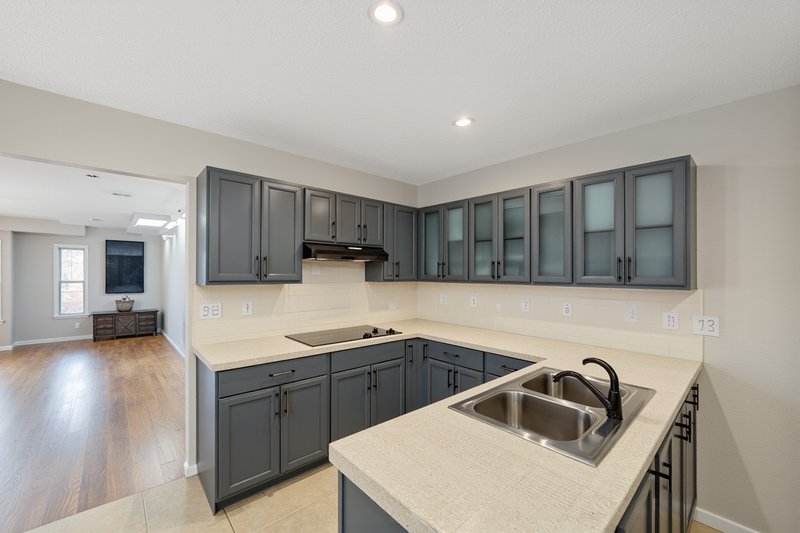
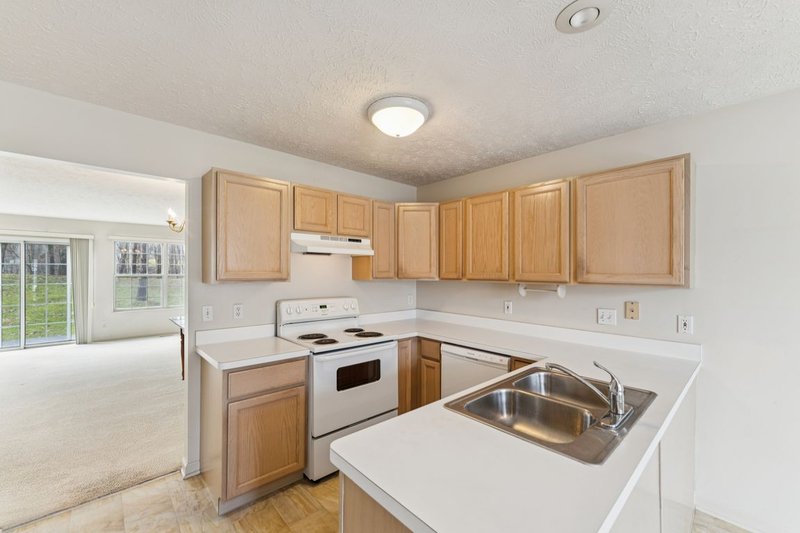
Drag to compare — original vs AI-rendered Mediterranean Villa
20
Design Themes
360°
Interactive View
Quality
Built In
~3 min
Per Render
Visualize any room
From a single kitchen update to a whole-home renovation plan.
Kitchen Renovation
Visualize new cabinets, countertops, backsplash, and hardware before committing.
Bathroom Remodel
Preview tile patterns, vanity styles, fixtures, and lighting in your exact space.
Living Room Restyle
See how different color palettes, flooring, and trim work transform your living areas.
Whole Home Planning
Create a cohesive design across multiple rooms with consistent theme application.
What our users say
“
My best friend recommended Home 360 Design during my home-buying journey, and it instantly became one of the most valuable tools I used. Being able to drop in a real estate listing link, visualize renovation possibilities, and better estimate the renovation budget in just minutes gave me a level of clarity I never expected. It took so much of the guesswork out of buying a home.

Amber
Home Buyer
Professional-grade AI rendering
Quality control built into every step of the process.
20 Design Themes
From Modern Farmhouse to Mediterranean Villa — each with curated materials, color palettes, and design language.
Interactive 360° View
Pan, zoom, and explore your renovated room from every angle — not just one fixed photo.
Element Preservation
Lock elements you love — ceiling texture, flooring, layout — untouched in every render.
Quality Control Built In
Every render is reviewed for style accuracy, preserved details, and physical plausibility before you see it.
Before / After Comparison
Drag the slider to see exactly what changed between your original space and the renovation.
Refine in Plain English
Type a note like 'darker cabinets' or 'lighter floors' and the renovation updates — no design jargon required.
How it works
Step 01
Upload Photos
A few photos of the room from different angles — phone shots are fine.
Step 02
Set What Stays
Choose elements to preserve — original ceilings, hardwoods, the layout — and what's open to change.
Step 03
Pick a Theme
Browse 20 curated design styles or create your own from inspiration photos.
Step 04
See & Refine
See your renovation, drag to compare with the original, and refine in plain English until it's right.
20 curated design themes
Each with complete material specs, color palettes, and rendering guidance.
Modern FarmhouseTraditional EleganceMid-Century ModernMoody & DarkArt Deco GlamScandinavian MinimalIndustrial LoftMediterranean VillaCoastal / HamptonWarm ModernView All 20 →
Frequently asked questions
Ready to see your renovation?
Upload a photo and get your first AI-rendered design in under 60 seconds.
Start Designing Now→